Category: Software Howtos

Visual Sudio Code, the YAML extension and Home Assistant’s “!secret” option

I use Visual Studio Code to edit the YAML files of my Home Assistant installation. Works great. However, there is one annoying thing: The YAML extension treats the “!secret” option of Home Assistant as “Syntax error” and underlines it in red.

To solve this problem, open your settings.json at

C:\Users\<yourusername>\AppData\Roaming\Code\User\settings.json

On my installation it looks like this:

After I added the code…

,
    "yaml.customTags": [
        "!secret scalar"
     ]

… it looked like this…
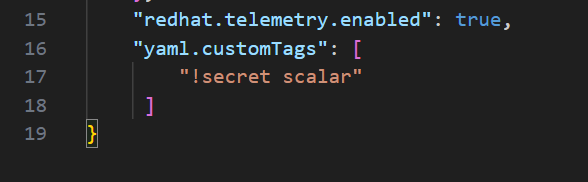
… and the problem is gone:

How to Disable Caps Lock in Windows 11

Press Windows + R, type regedit in the run box that opens, and press enter.
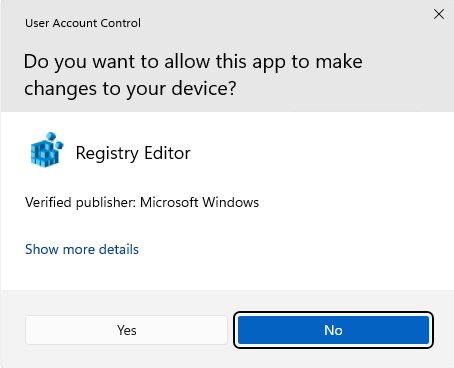
If you get the following box,…

… press YES.

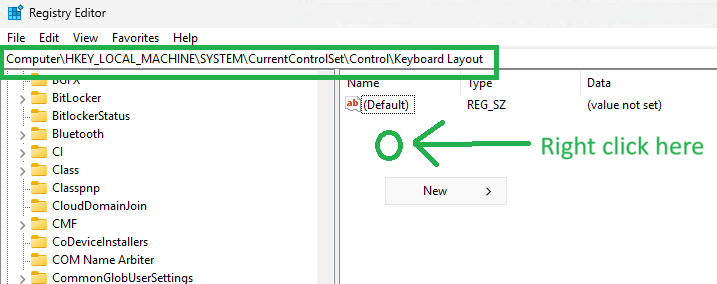
Go to the key:

HKEY_LOCAL_MACHINE\SYSTEM\CurrentControlSet\Control\Keyboard Layout

Right-click on the available space, click New and then select Binary Value.

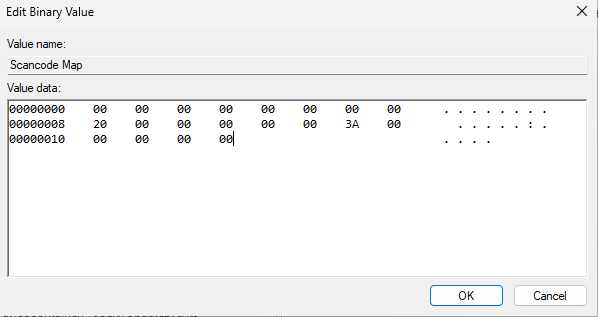
Name it “Scancode Map” and enter the following binary value in the value data:

00 00 00 00 00 00 00 00
02 00 00 00 00 00 3A 00
00 00 00 00

Recheck that it looks like the following screen shot:

Restart the computer to disable the Capslock key.


Clean/Format a USB stick that windows cannot handle anymore

OK, you need a Linux based system to do so.

Without the Memory stick being plugged into the Linux system,use the following command:

lsblk

Now plug in the usb Memory stick and use that command (again):

lsblk

The “new” device name should be easy to spot.

Now, flaten the content of the Memory stick by using

mkfs.ext2 /dev/sdX

where sdX is the device name you found with lsblk.

Check which program hinders windows 11 going to sleep

Sometimes, windows 11 doesn’t go to sleep when expected. Here is a little hint on how to find out which program is the reason.

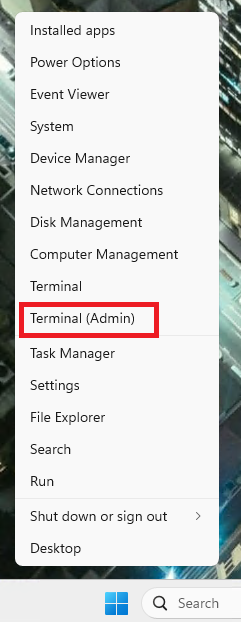
Open a command window by right clicking on the 4 blue tiles and select “Terminal (Admin)”.

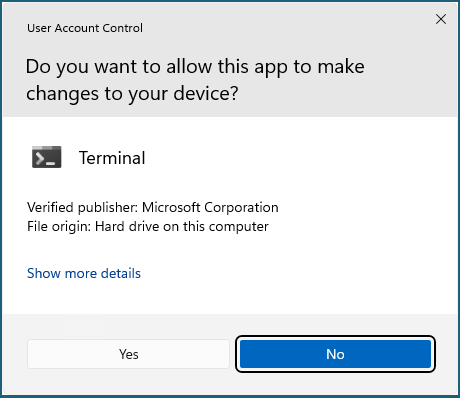
If the following window pops up, select “Yes”.

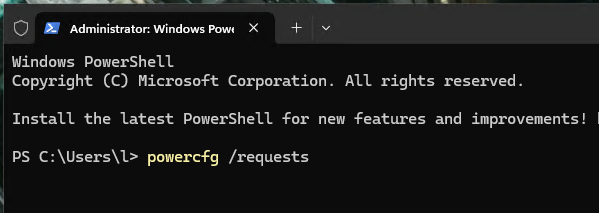
Enter the following command:

powercfg /requests

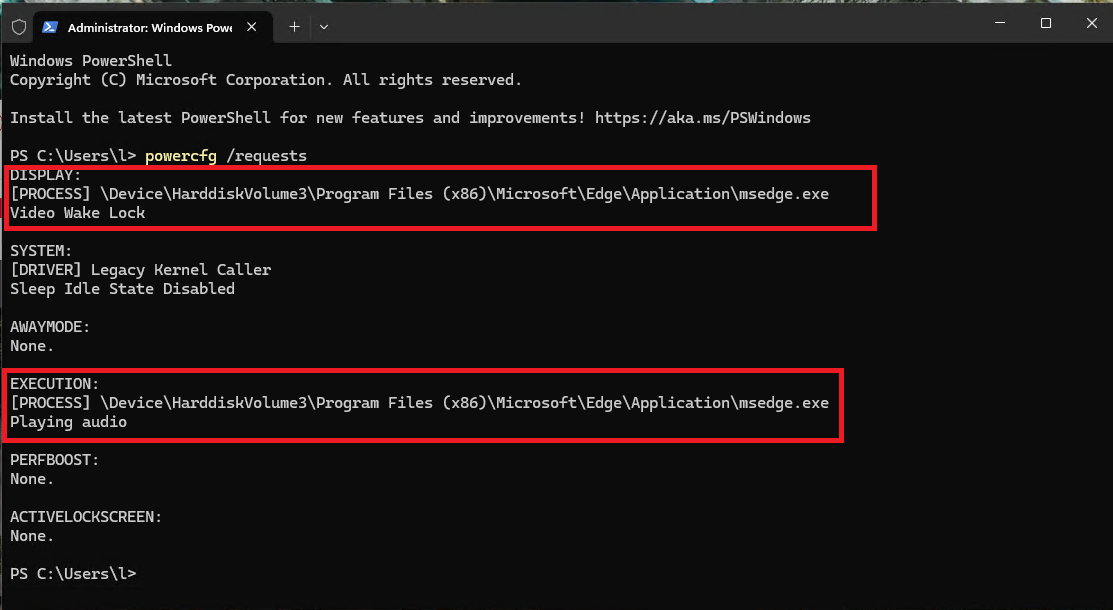
Now, the processes which hinder windows from going to sleep are shown. In this case there was a youtube video running in a browser window.

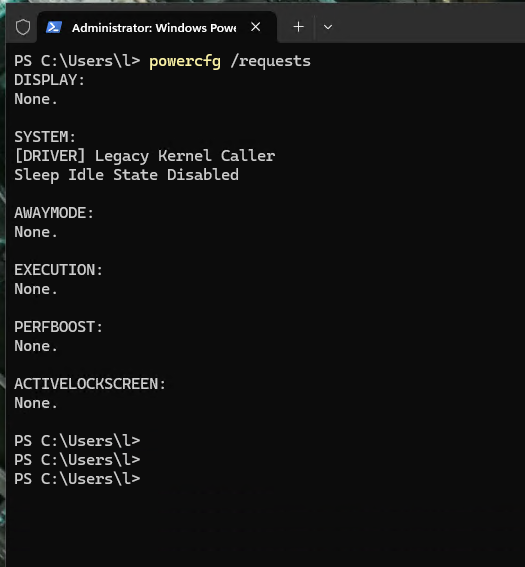
After closing that browser window, the problem was gone and all sub systems had the status “None.”