Sometimes, windows 11 doesn’t go to sleep when expected. Here is a little hint on how to find out which program is the reason.
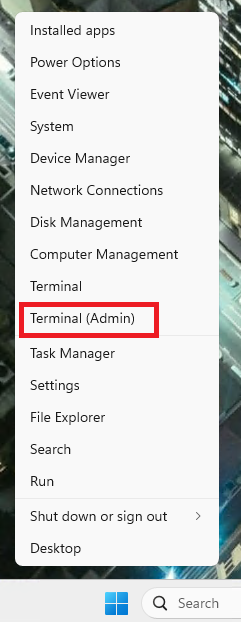
Open a command window by right clicking on the 4 blue tiles and select “Terminal (Admin)”.
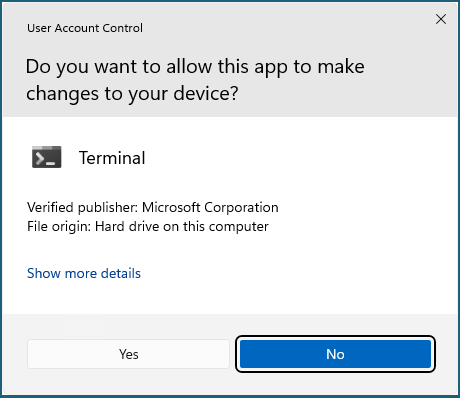
If the following window pops up, select “Yes”.
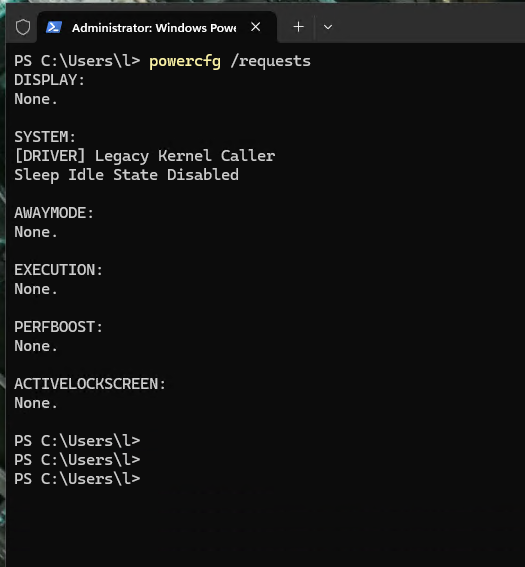
Enter the following command:
powercfg /requests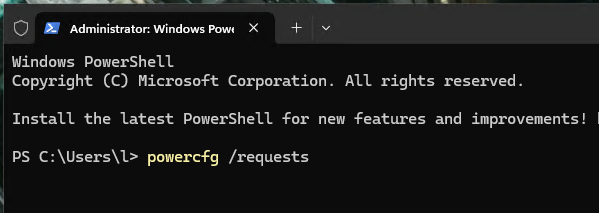
Now, the processes which hinder windows from going to sleep are shown. In this case there was a youtube video running in a browser window.
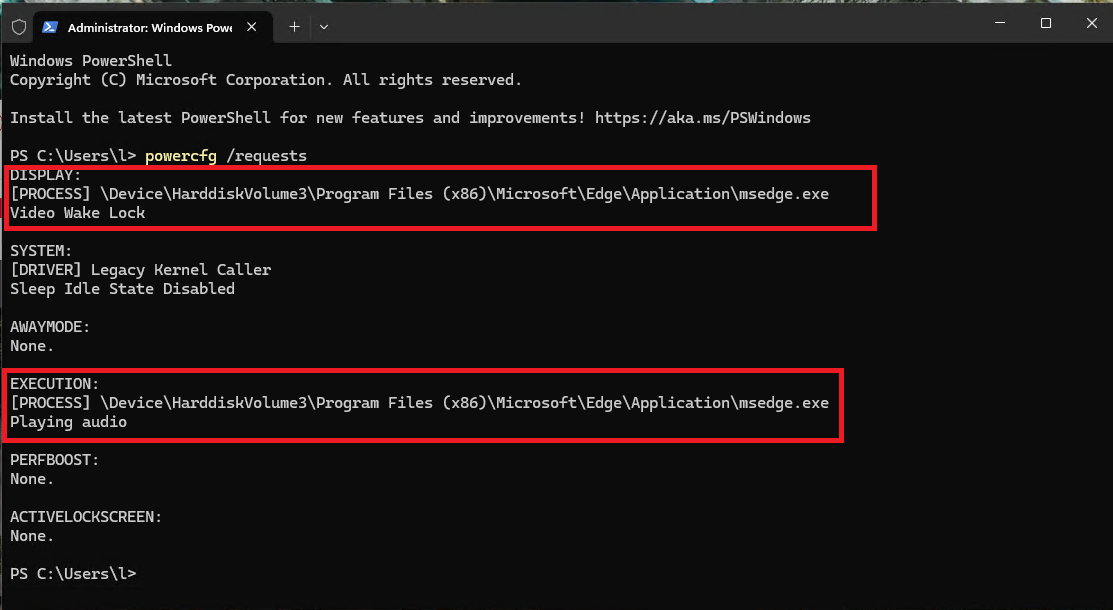
After closing that browser window, the problem was gone and all sub systems had the status “None.”
(Last update on July 20, 2026 was done by Editor F.)